Disclaimer: This guide was automatically translated by AI from the German original. Please verify commands and technical details before using them.
¶ Import a VM into Unraid
Back to overview: Unraid guides
Virtual machines from Hyper-V, VirtualBox, and similar platforms can be imported into Unraid quite easily.
For this you need the virtual disk of your VM. In my case, it was a .vhdx from Hyper-V.
Copy it to your Unraid server and run the following command:
qemu-img convert -p -f vhdx -O raw NAME.vhdx NEWNAME.img
If you have another format such as VHD, simply replace vhdx with your format.
After the virtual disk has been converted, you can import the virtual machine in Unraid under VM.
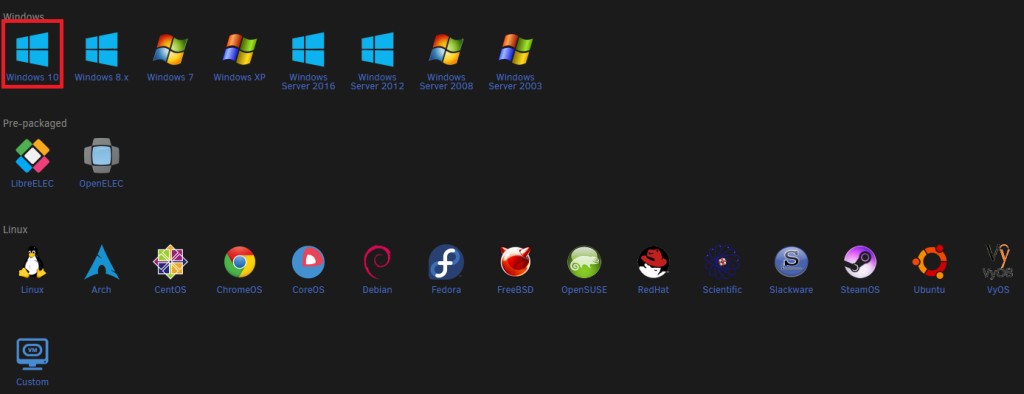
Click Add VM. In the overview, select the matching operating system.
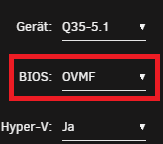
Then you will reach the settings. It is important how your VM was installed back then. If it was installed as UEFI, leave OVMF selected under BIOS. Otherwise, select SEABIOS.
Now you only need to attach the .img. Go to the primary vDisk section, select Manual, and choose the converted vDisk.

After that, you can add and start the VM.