Disclaimer: This guide was automatically translated by AI from the German original. Please verify commands and technical details before using them.
¶ Shrink an Unraid array
Back to overview: Unraid guides
Warning: Always create a backup first. The data on removed disks can no longer be read in the array. To be safe, move your data manually or with the unBalance tool.
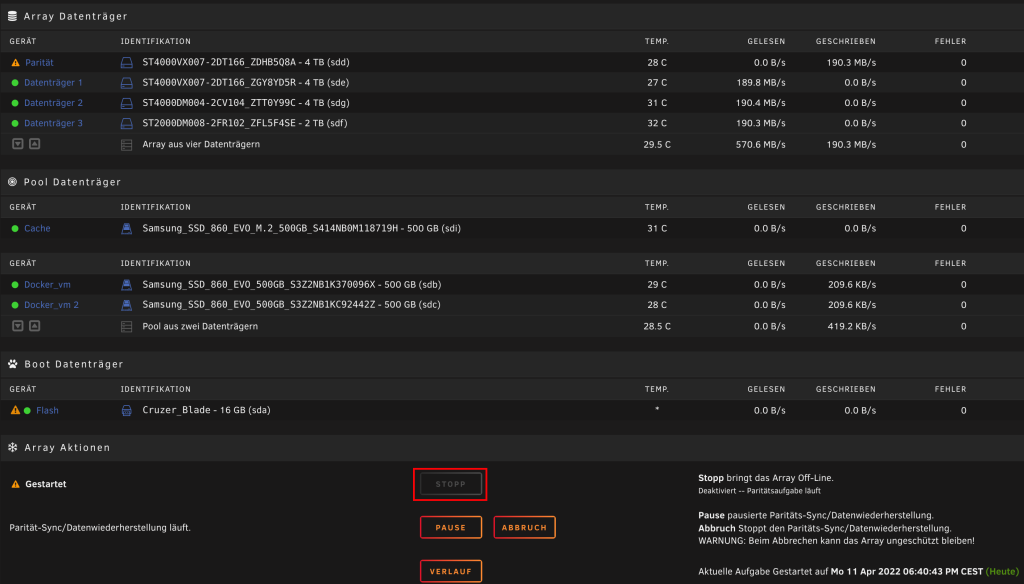
To shrink an array, first stop the array. Go to the Main/Start tab, scroll all the way down, and click Stop.
Now take screenshots of your disk assignments.
After the array has stopped, go to the Tools tab. Click New Config there.
Then select All under Preserve current assignments and confirm the process.
After that, go back to the Start tab and compare the disk assignments with your screenshots. If everything is correct, remove all disks that should be removed. You can also add new disks.
Now start the array again, but make sure that Parity is already valid is not checked.