Disclaimer: This guide was automatically translated by AI from the German original. Please verify commands and technical details before using them.
¶ TeamSpeak server autostart on Windows
Back to overview: Windows guides
-
Download RunasRob from this page.
-
Extract the ZIP file and go to the
4Bitdirectory (on 64-bit systems). -
Run
RunAsService.exe.
-
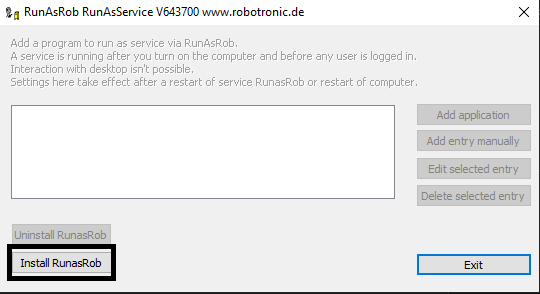
Click the Install button and wait until the installation has completed.
-
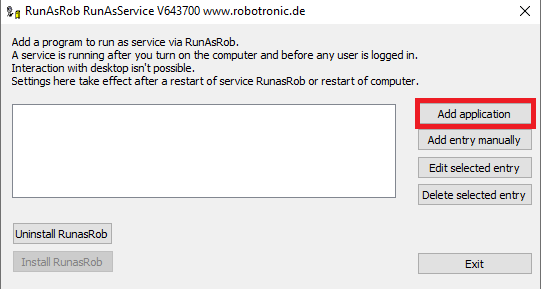
After installation, a new window opens:
-
Click
Add applicationand select the path to the TeamSpeak server EXE. -
Restart the computer. The TeamSpeak server should now start automatically.
The same procedure also works for SinusBot on Windows.